



Follows the school book
Lessons in your child's book order, so home practice matches school.
A learning app for kids, KG to Grade 6
Lessons that follow the school book, with stories and short fun games, and every word spoken clearly.
A fun, safe learning world where your child learns by playing.
Lessons in your child's book order, so home practice matches school.
Every word and question spoken clearly; words light up as they are read.
Short sessions, one clear question per screen, gentle help after a mistake.

Three paths: the school book, story adventures, and Grow & Play.

A profile per child and clear progress, in an area only grown-ups open.

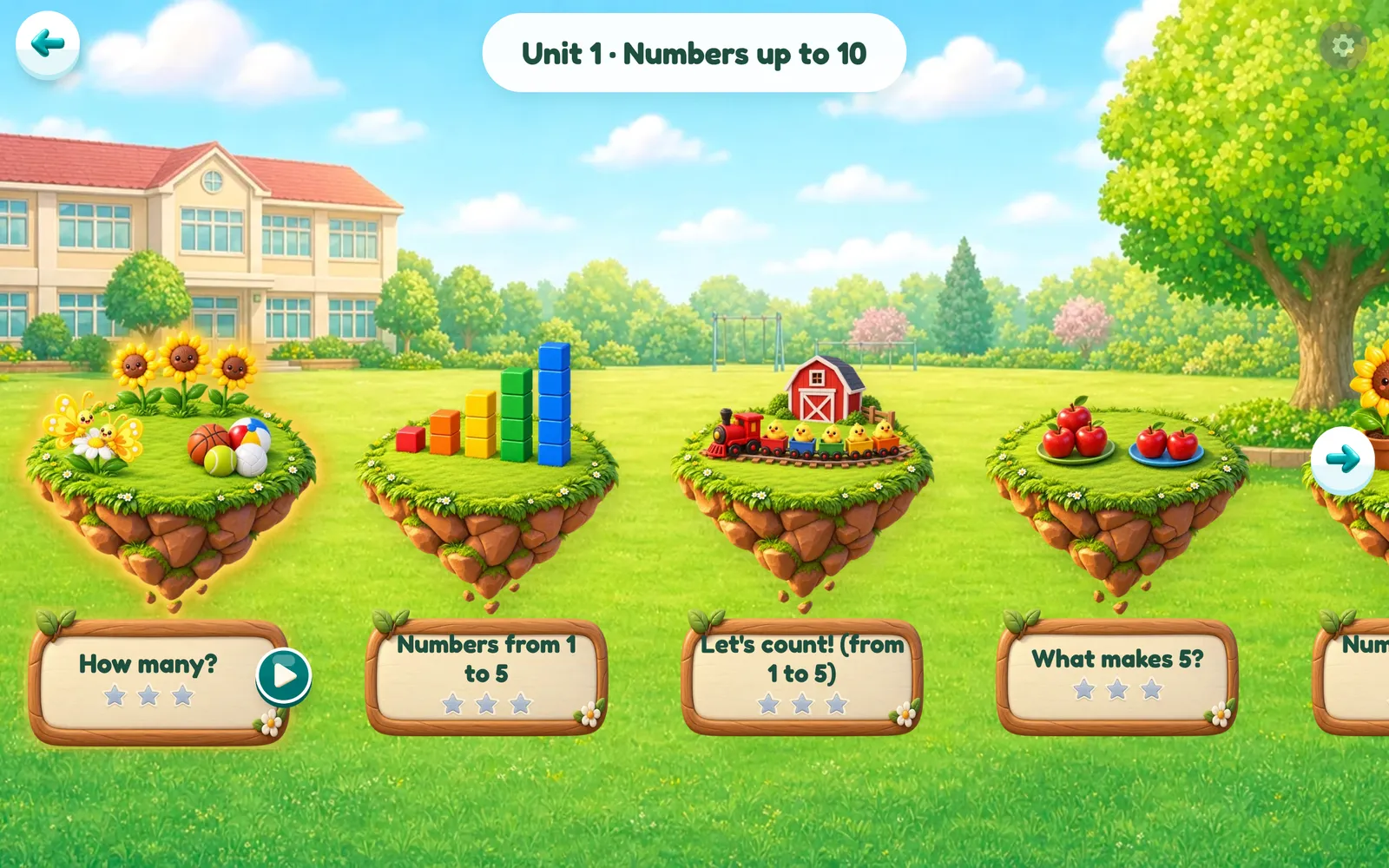
Each lesson is a stop on a journey, with Sami, Lina and Ziad alongside.
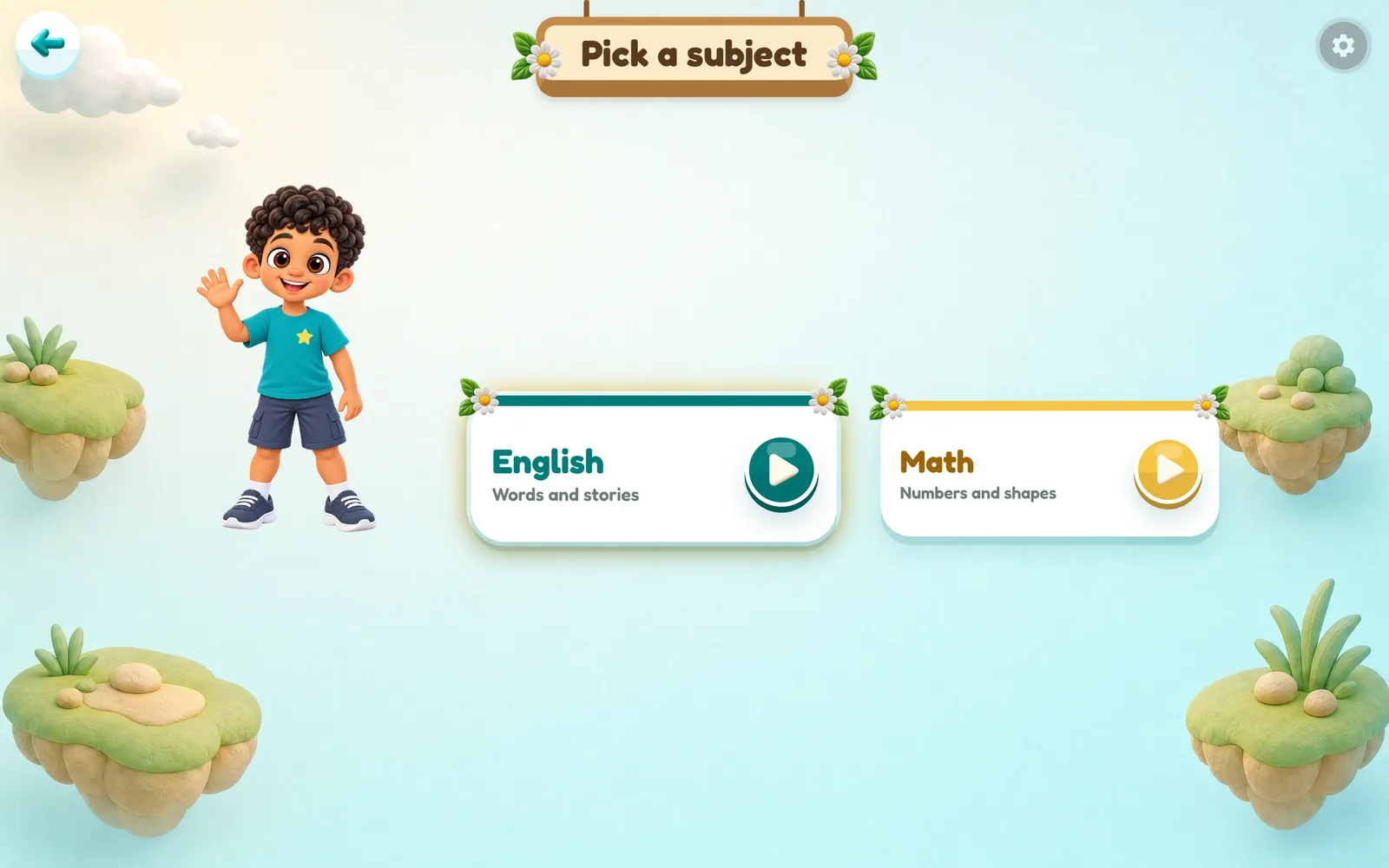
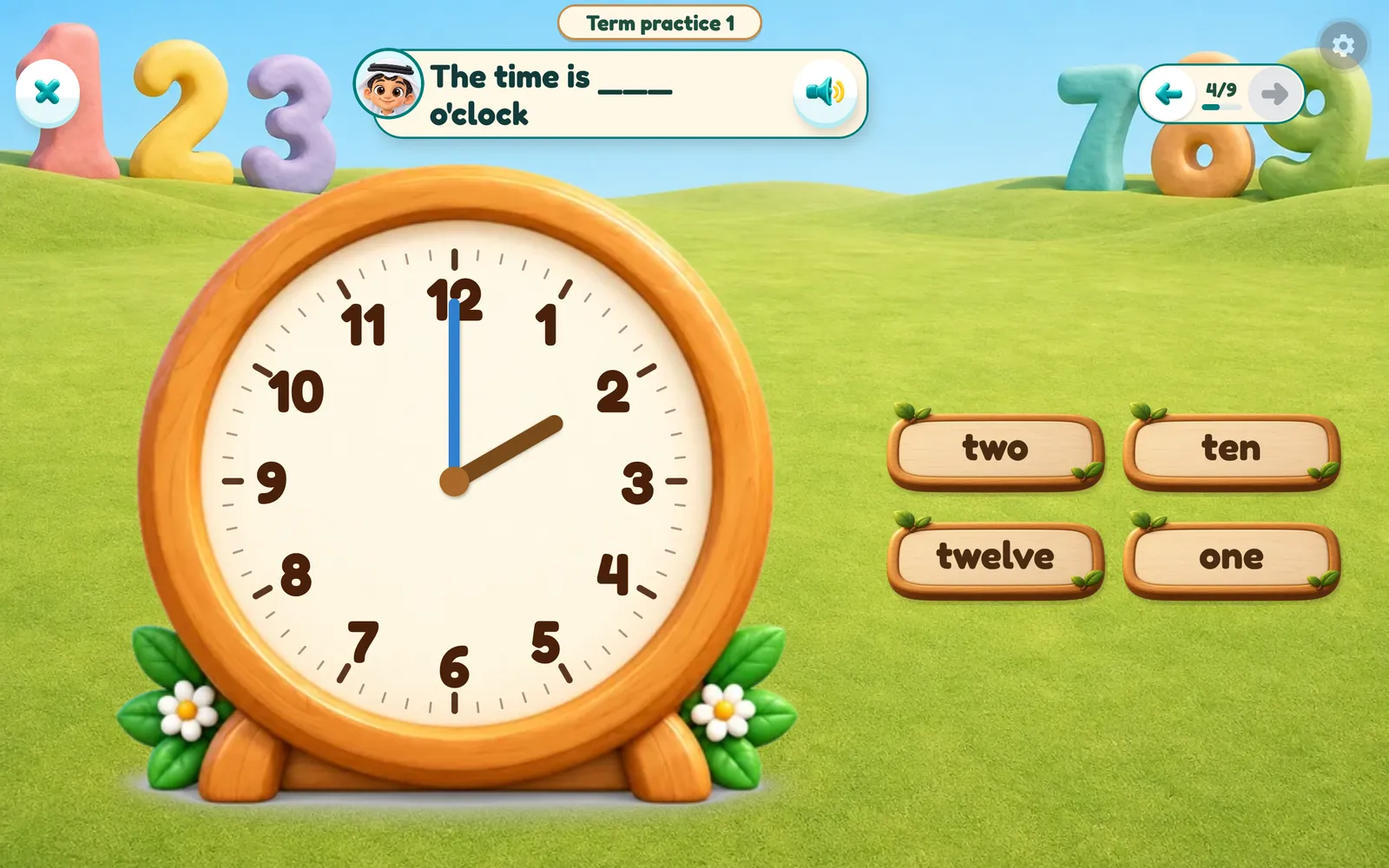
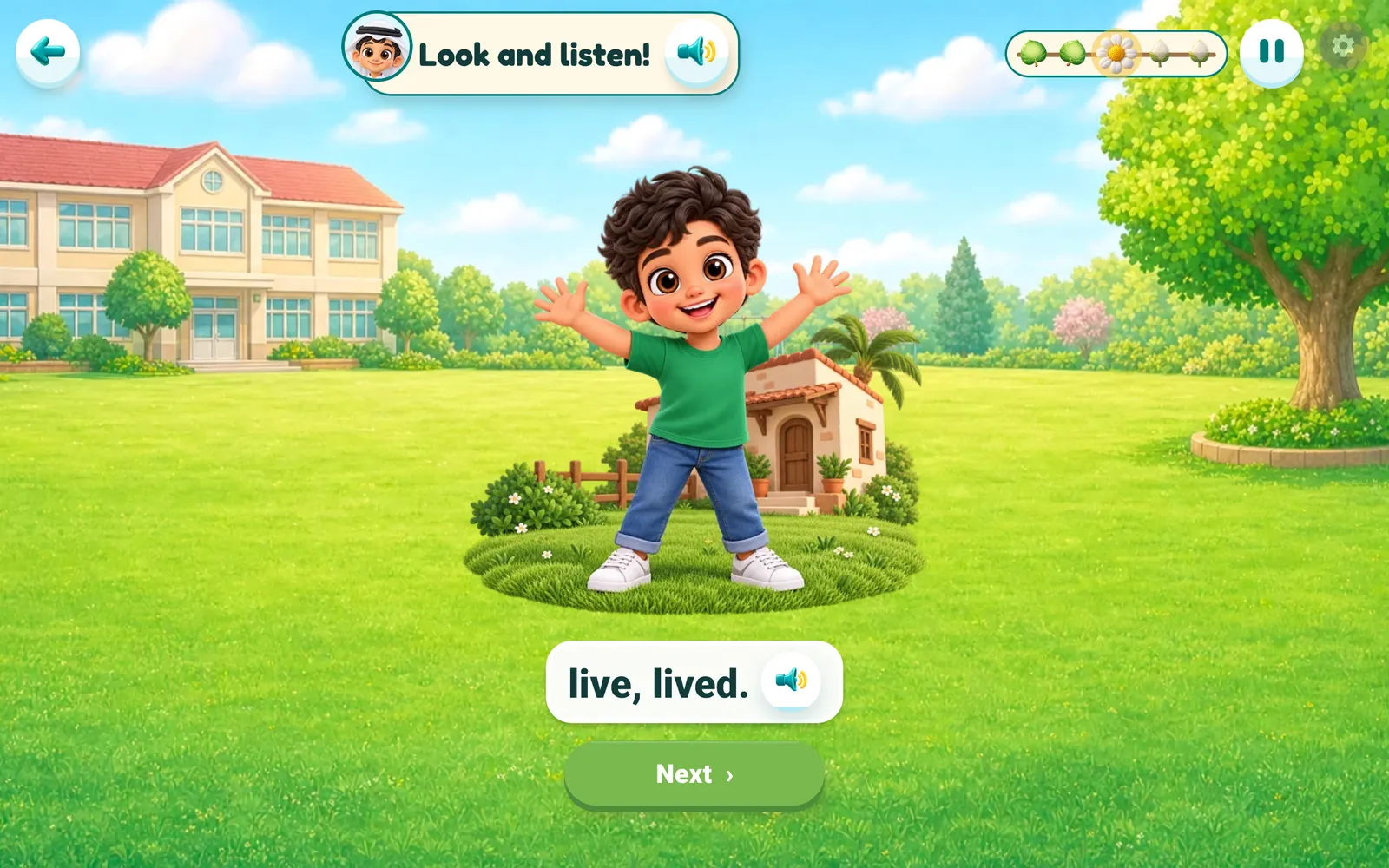
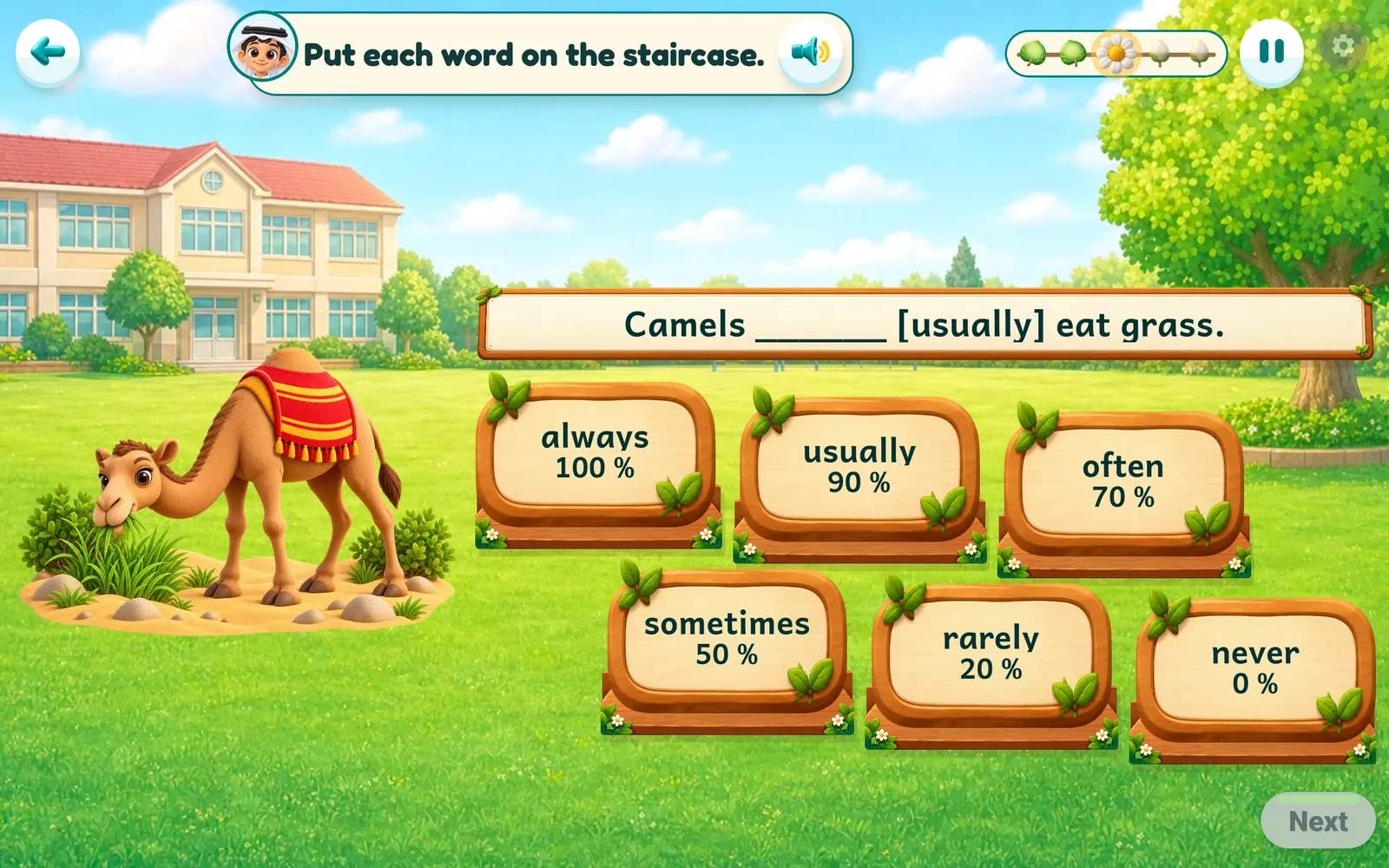
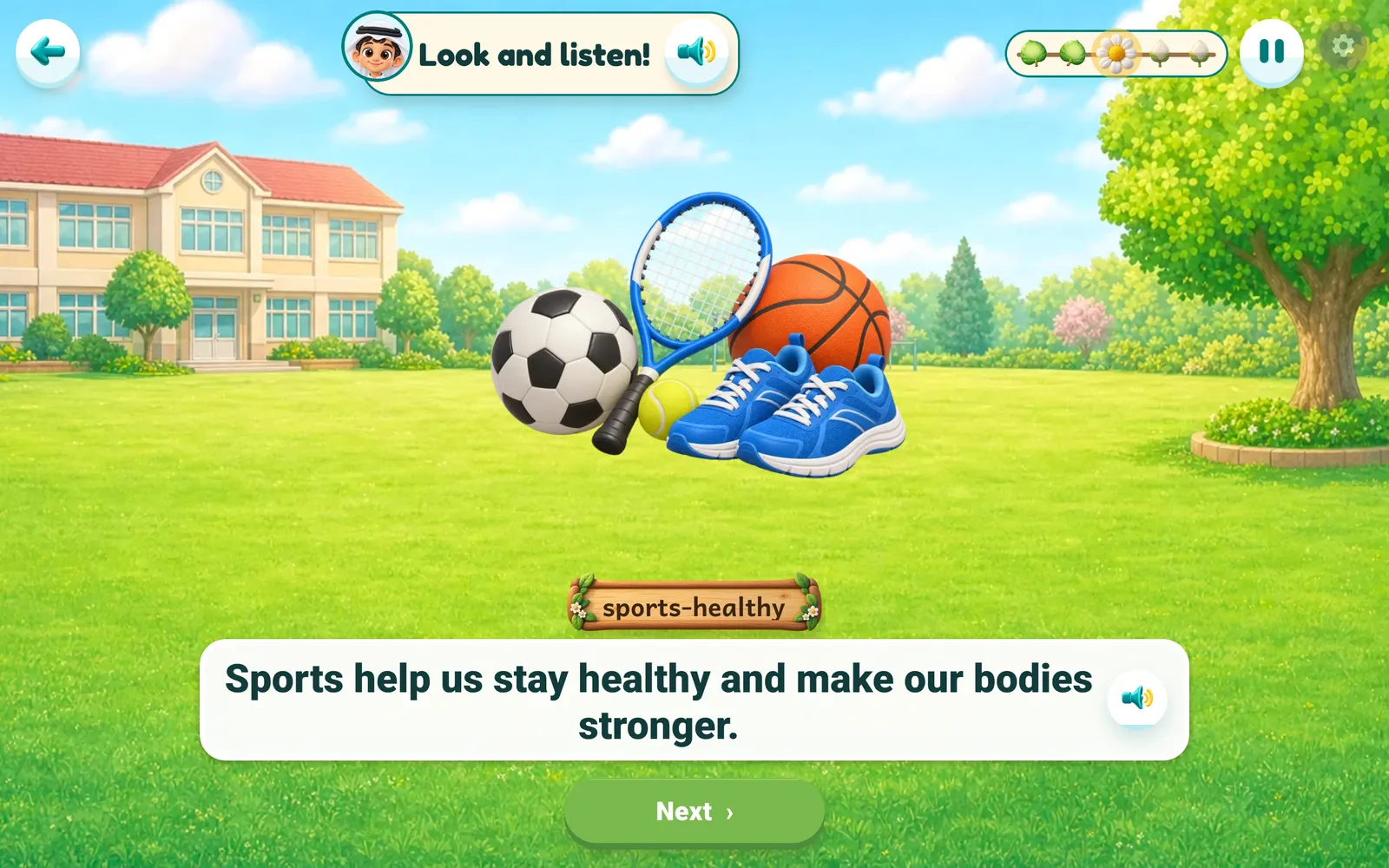
Real screens from the app as it is: unit maps and English and Math lessons.
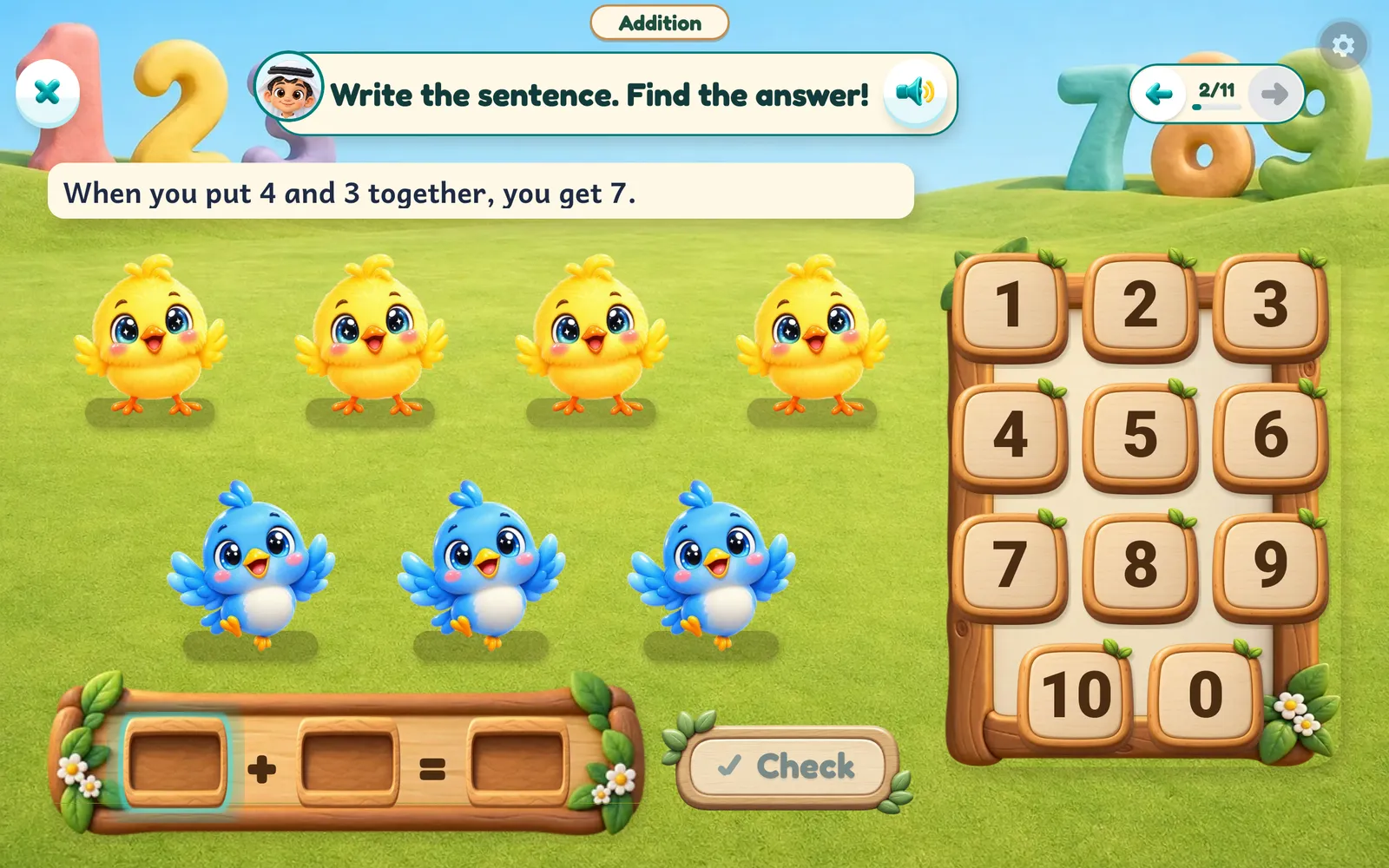
Your child picks the journey they love — each one an island full of lessons and games.
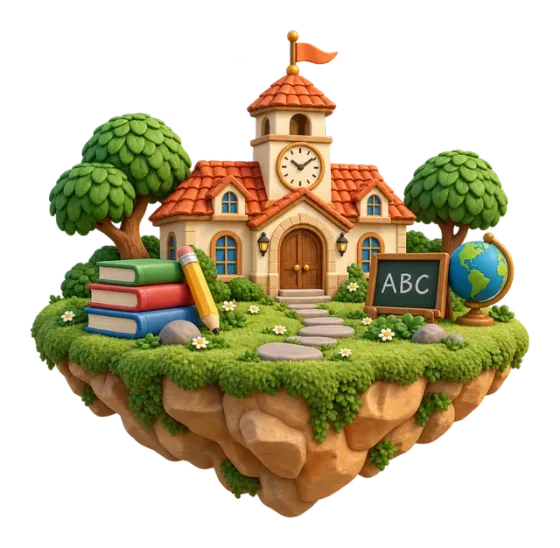
The school path
The school book page by page, with the book's questions and tests, and a review at the end of every unit.
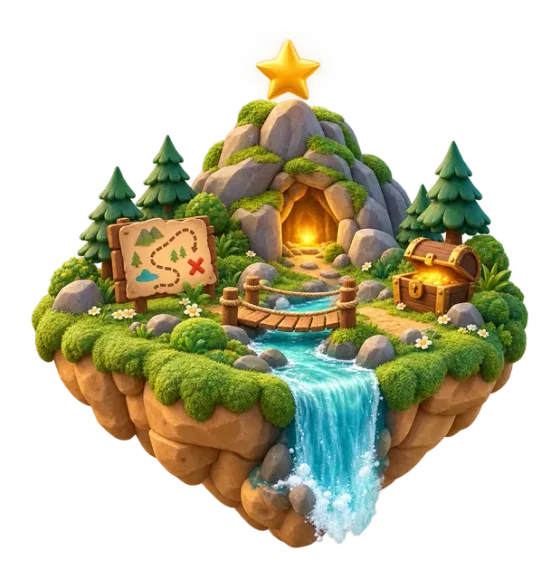
Story worlds
Story worlds full of games, where your child travels from island to island, step by step.
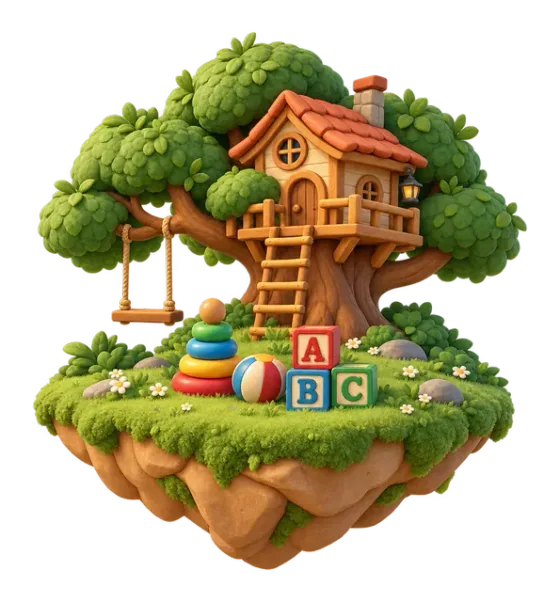
For the little ones
Worlds for little learners: colours, fruit, animals and counting… learned by touching and playing.
Curricula for every grade from KG to Grade 6, with lessons being added step by step.
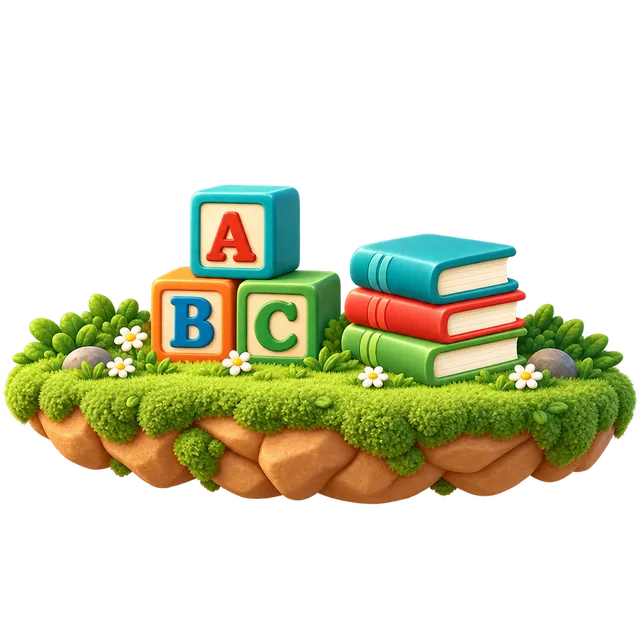
Letters, sounds, words, stories and grammar, growing with your child from KG to Grade 6.

Counting, numbers, operations, shapes and measuring, with things to touch and count and worked examples that show the way.
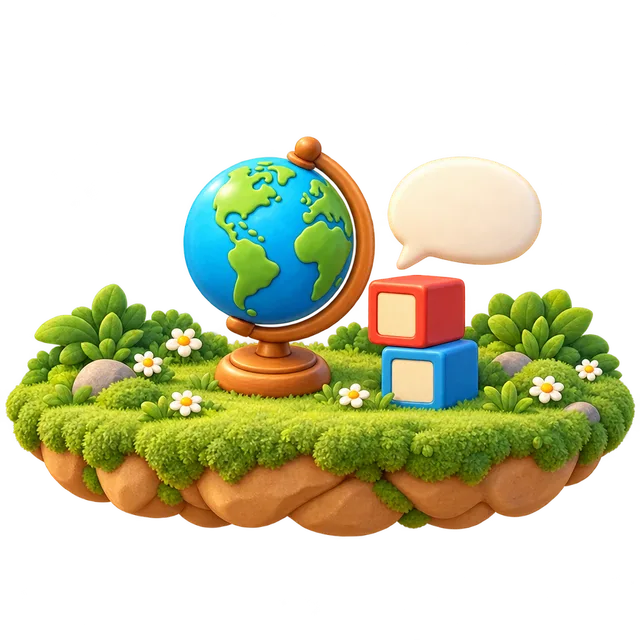
The Connect Plus curriculum with its lessons, reviews and question bank, for every grade.
Clear rules, and you always see where each child has got to.
Example
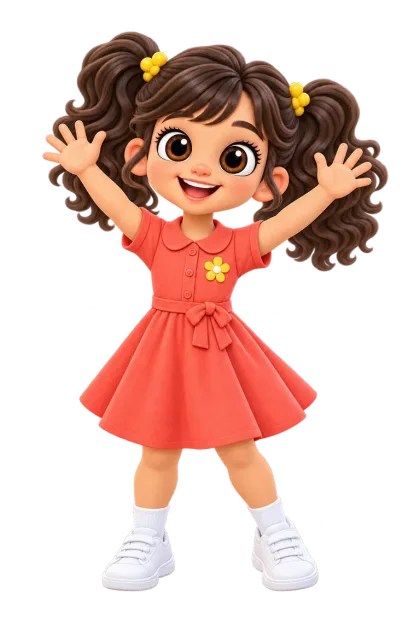
Lina
Children from KG to Grade 6. Little ones start in the Grow & Play worlds; older children follow their school lessons in School Quest.
English, Math and Connect Plus, for every grade from KG to Grade 6, with lessons being added step by step.
Yes. School Quest lessons follow the book page by page, in the same order, with the book's exercises and questions.
No. Your child opens the app and plays. Sign-in is for parents only — to add more children or sync progress.
There are no ads for kids in the app.
Download it from the App Store on iPhone and iPad, or from Google Play on Android. It is free to download, and your child can start playing straight away.
iPhone, iPad, and Android phones and tablets, played in landscape.
Download Kidverse free on a tablet or a phone, and your child can start playing right away.